How CallMeChat Works – Start Random Video Chat, Browse Women or Text First
CallMeChat gives you four ways in. Tap Start for a random 1-on-1 video match, browse women and choose who to call, or message first and switch to video later. It runs in your browser with no app download, free to start — calls use coins.


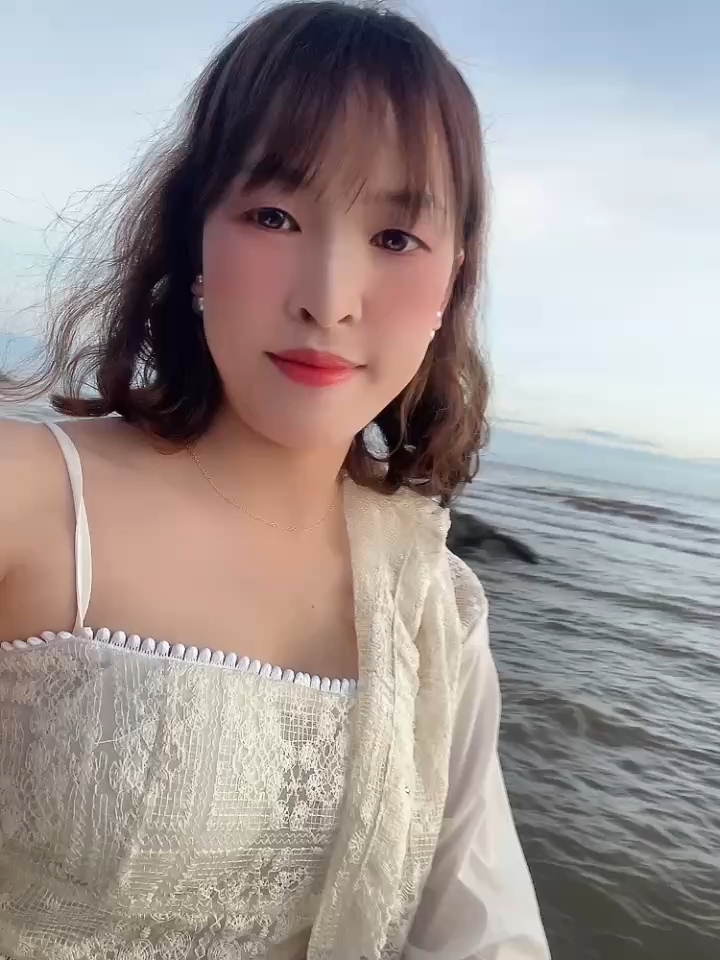
Featured clips · not a live feed
Free to start · Calls use coins · 18+
The video journey
Four Ways to Start on CallMeChat
Each path opens a different screen. Here’s what happens after you tap.
01Random
Random: tap Start and get paired 1-on-1
Choosing Random opens the start screen, where you pick video, voice or text and tap Start. CallMeChat pairs you with one person at a time — how long that takes depends on who’s available. Stay and talk, or tap Next to look for someone new. Any free matches on your account are shown on that screen.
How CallMeChat random chat works02Browse
Browse women: look first, then choose who to call
Browse Women opens a scrolling list of profiles. Open one to see her photos and short videos, then tap message or call when you’re ready. Nothing starts until you choose — a good fit if you’d rather pick than leave it to chance.
Browse women now03Text
Text first: message now, switch to video later
Not ready for the camera? Message someone you found while browsing, or pick text on the start screen. Your conversations stay in the Messages inbox, and you can start a call from the chat when you’re both ready. Voice messages and photos in chat need a full account.
04Video
Private 1-on-1 video: just the two of you
Every call connects you with one person — no audience, no group room. During a call you can mute your mic, turn your camera off or flip between front and back cameras. Calls use coins; in matched calls, a notice appears before paid time begins.





No app download
Before Your First Chat: Browser Access and Guest Start
CallMeChat runs in Safari, Chrome and other modern browsers on iPhone, Android and desktop, so there’s nothing to install. If you want quicker access, add it to your home screen from your browser’s share or menu button.
When you open CallMeChat, a guest session starts automatically, so you can look around, browse women and open the start screen right away. Creating a full account later unlocks extras such as voice messages, photos in chat, gifts and following.
- iPhone · Safari
- Android · Chrome
- Desktop browser
- Guest session · automatic
Camera & mic
Camera and Microphone Permissions, Explained
The first time you start a video call, your browser asks to use your camera and microphone, and CallMeChat shows a short note first explaining why. Voice calls only need the microphone.
If you blocked access by mistake, open your browser’s site settings for CallMeChat, allow the camera and microphone, then reload the page. Closing other apps that are using the camera also helps.
Switch any time
Switching Between Random, Browse and Text
You’re never locked into one path. Pick what fits right now, and change it next time.
| Path | Best when | What you tap |
|---|---|---|
| Random | You want to meet someone new without scrolling | Start — then Next to move on |
| Browse women | You’d rather see profiles and choose | A profile — then message or call |
| Text first | You want to chat before going on camera | Message — then call when ready |
| 1-on-1 video | You’re ready to talk face to face | Call from a match, profile or chat |
Good to know
What to Know Before You Start
- Adults only. CallMeChat is for people 18 and over.
- Free to start, calls use coins. Opening CallMeChat, browsing and the start screen cost nothing; video and voice calls use coins.
- Matching speed varies. How quickly you’re paired depends on who’s available at the time.
- You can leave at any point. Tap Next in a random match, or end the call.
- Keep personal details to yourself. Your address, passwords and payment info never belong in a chat.
How CallMeChat Works: FAQ
Quick answers about getting started.
How do I start a video chat on CallMeChat?
Open the start screen, choose video and tap Start to be matched 1-on-1 — or browse women, open a profile and tap call. Your browser asks for camera and microphone access the first time.
Can I choose who I video chat with?
Yes. Browse women, open a profile and call her directly. Random matching is there when you’d rather leave it to chance.
What’s the difference between a guest session and a full account?
A guest session starts automatically and lets you look around, browse and use the start screen. A full account adds voice messages, photos in chat, gifts and following.
Can I switch from text chat to a video call?
Yes. Start a call from the chat when you’re both ready. If you’d rather stay off camera, a voice call is an option too.
Can I use CallMeChat on my phone and my computer?
Yes. It runs in modern browsers on iPhone, Android and desktop, so you can open it wherever you are — there’s no app to install.
Why isn’t my camera working on CallMeChat?
Usually the browser’s camera permission was blocked. Allow camera and microphone in your browser’s site settings, close other apps that are using the camera, then reload the page.
Pick a path and start your first CallMeChat video chat
Start with a random 1-on-1 match, or browse women and choose who to call.
Free to start · Calls use coins · 18+